| Icon | Name | Description |
|---|---|---|
 |
Item Change Package |
A package containing 1x Scroll of Reduction A, 1x Scroll of Reduction B and 1x Item Transy B. All items are also linked. |
 |
Power Up Box |
A package containing 5x Power Scroll, 5x Potion Select Box, 5x Flask Select Box and 5x Grilled Eel. All items are also linked. |
 |
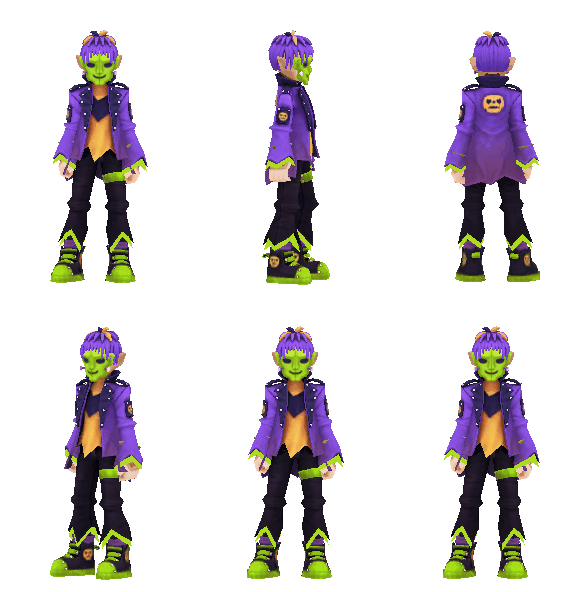
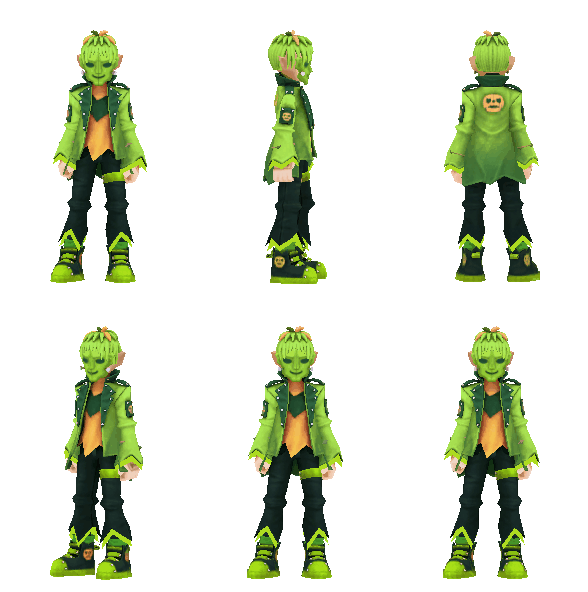
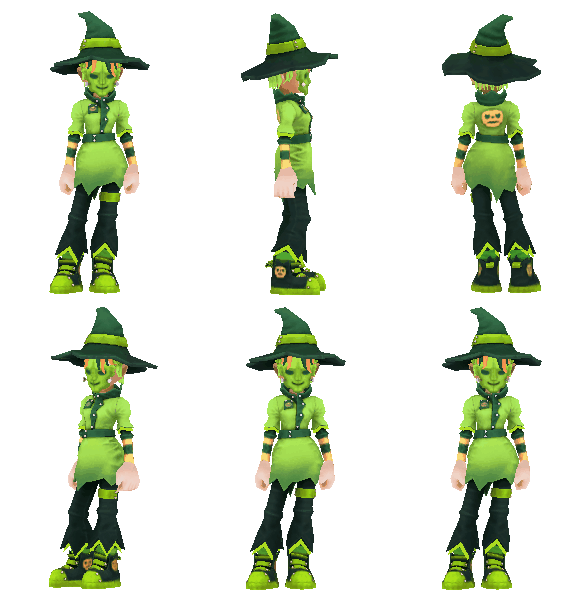
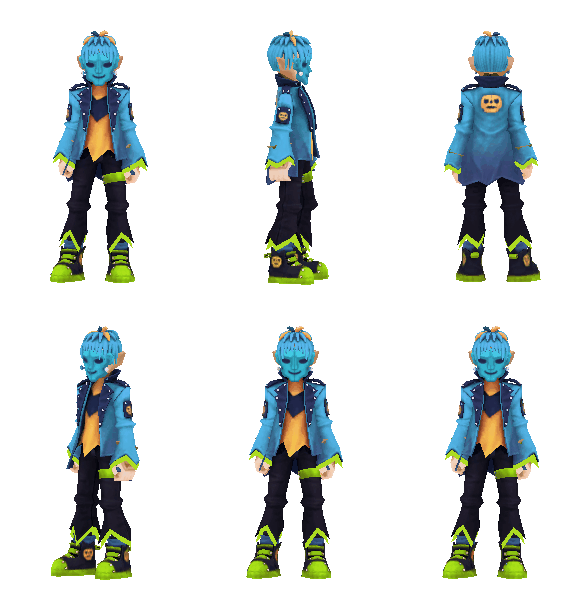
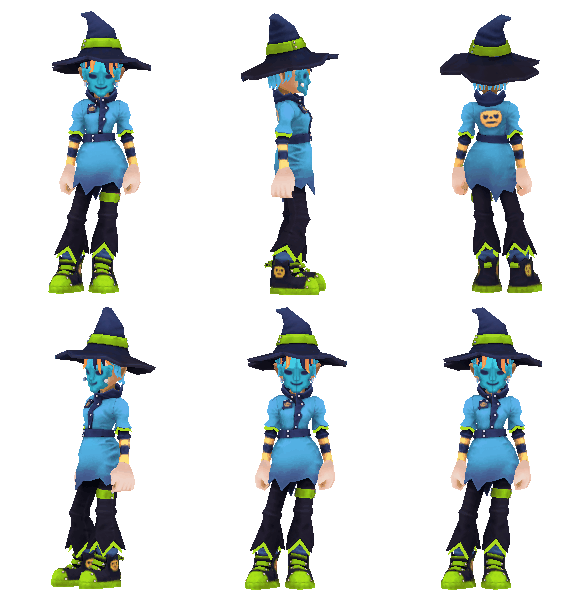
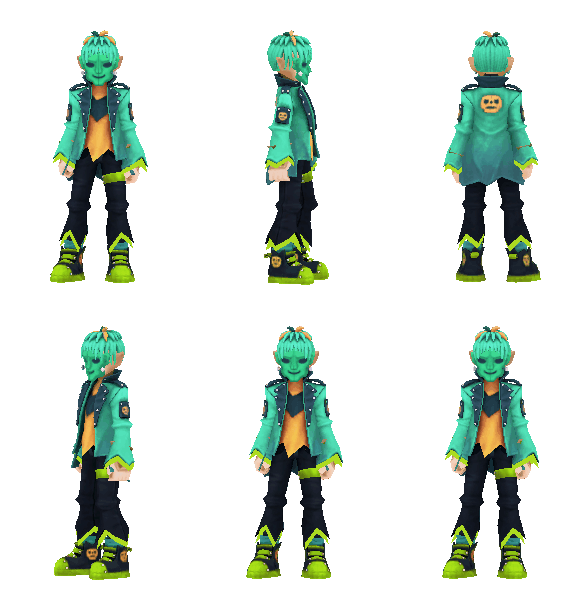
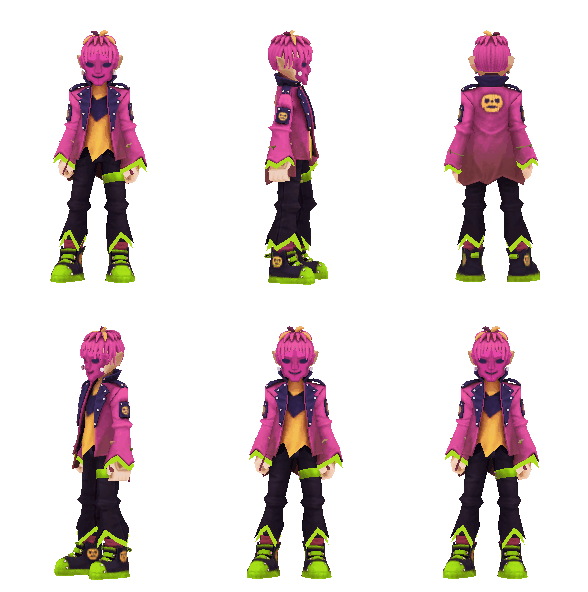
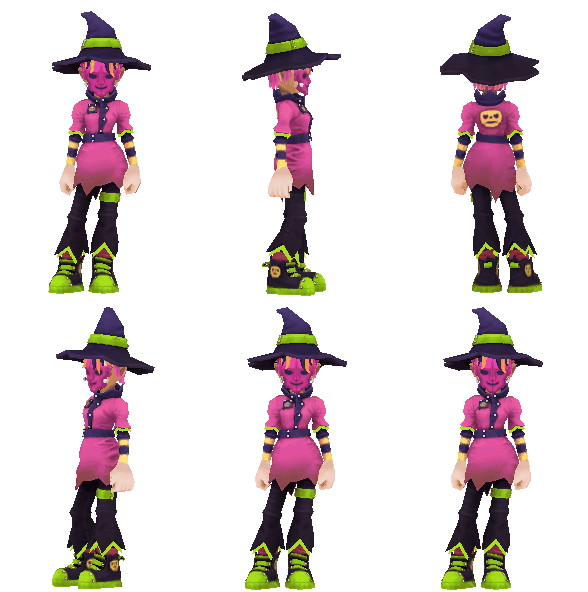
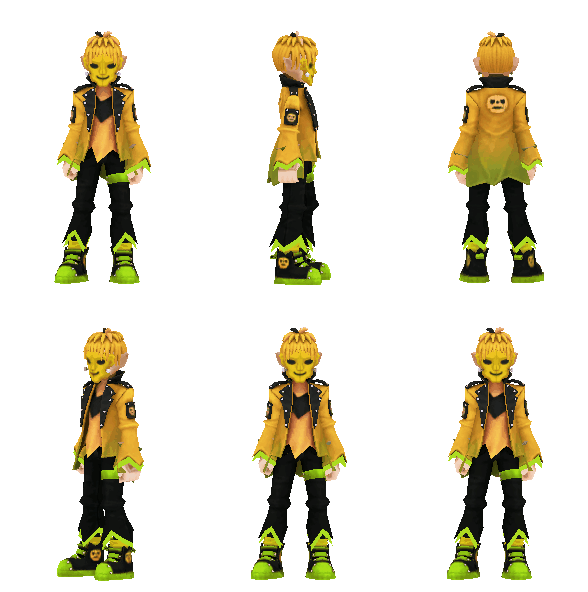
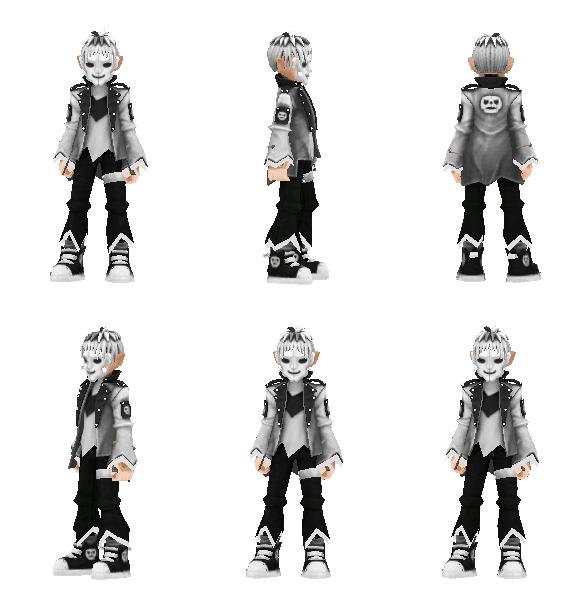
Wickedstein Costume Lucky Box |
This box contains a Wickedstein Set with Speed Bonus. You can select your gender after opening the Lucky Box. |
|
|
Fashion set |
|
|
|
Fashion set |
|
|
|
Fashion set |
|
|
|
Fashion set |
|
|
|
Fashion set |
|
|
|
Fashion set |
|
|
|
Fashion set |
|
|
|
Fashion set |
|
|
|
Fashion set |
|
|
|
Fashion set |
|
|
|
Fashion set |
|
|
|
Fashion set |
|
|
|
Fashion set |
|
|
|
Fashion set |
|
|
|
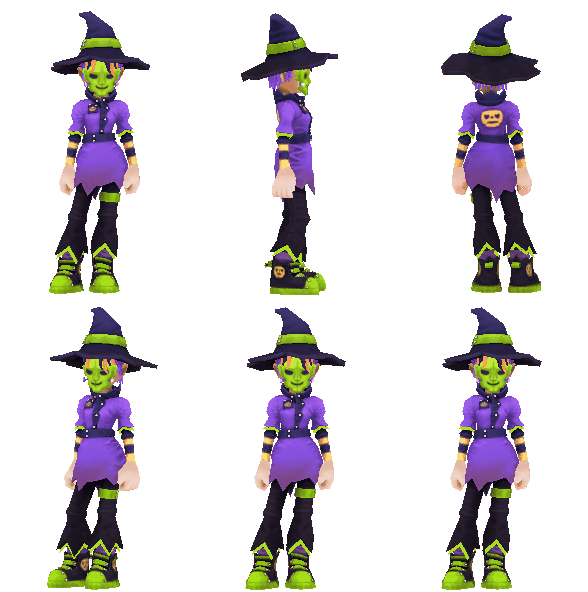
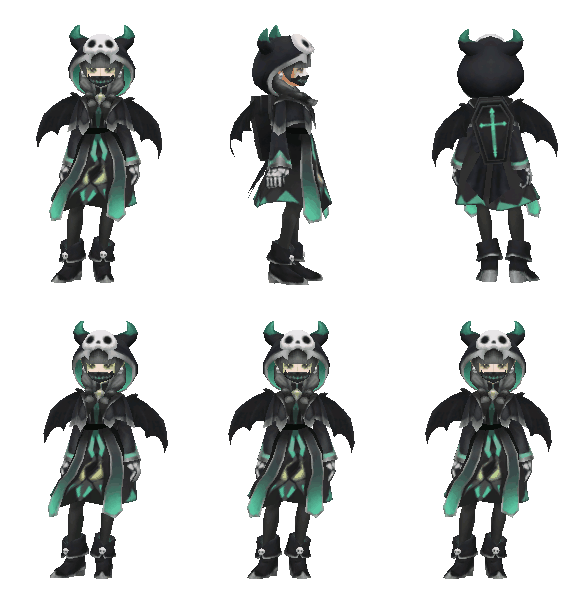
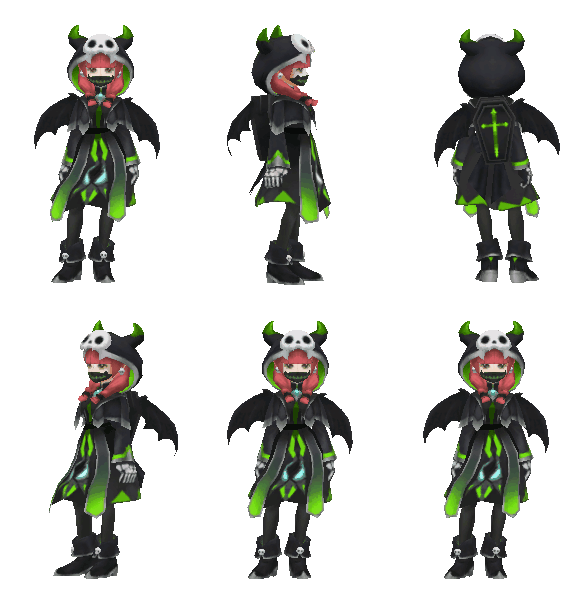
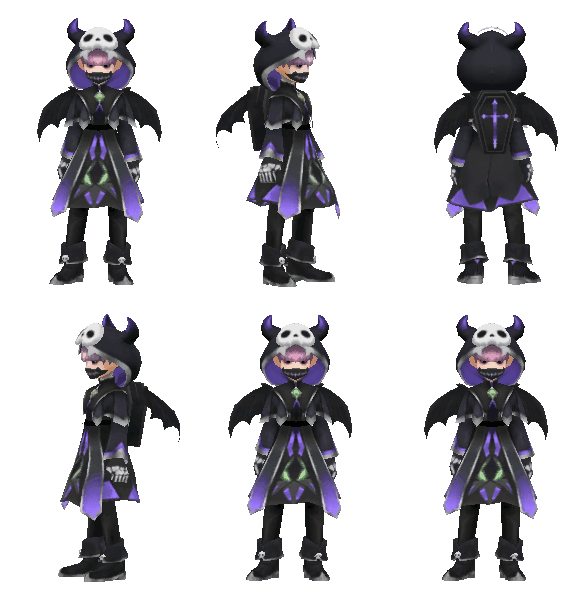
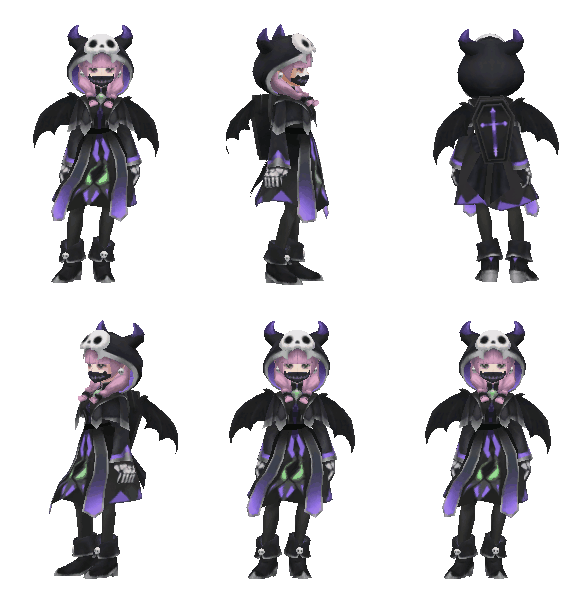
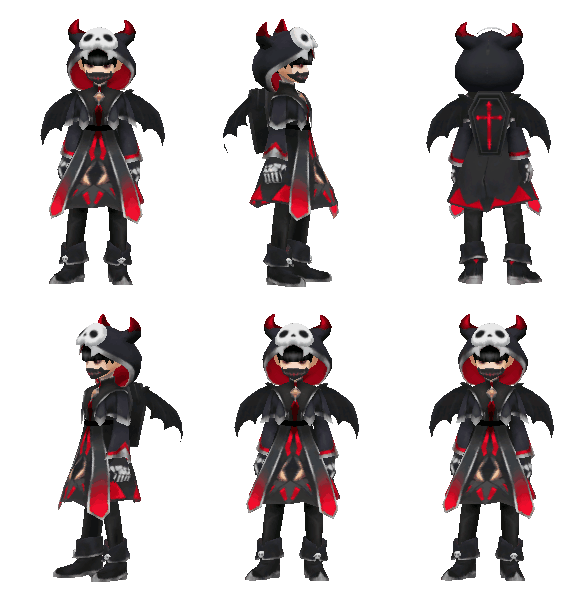
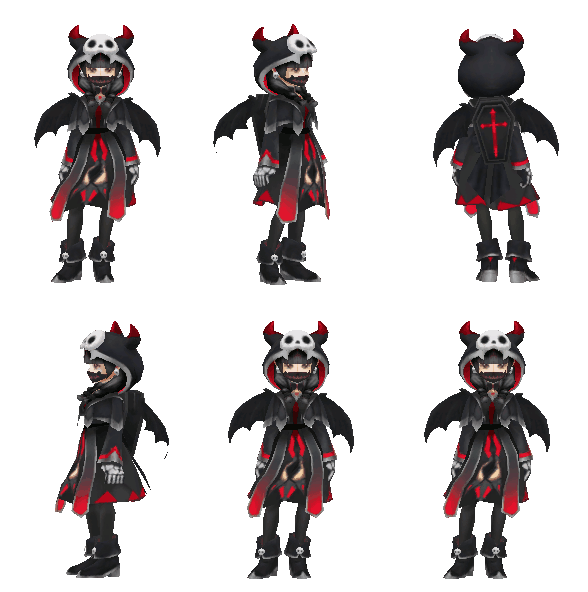
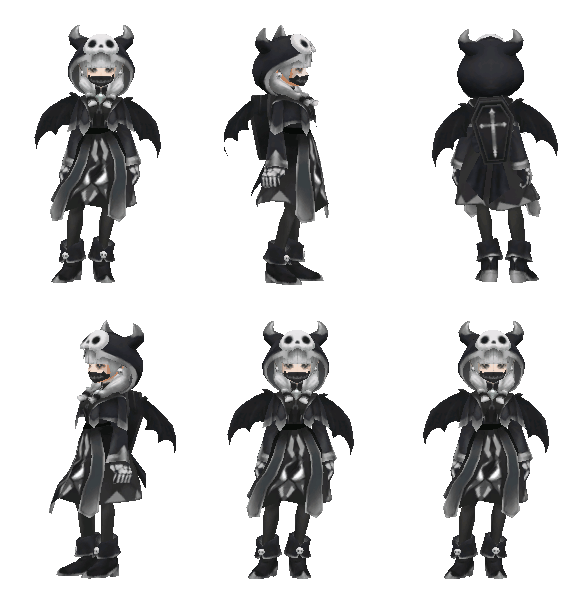
Necromancer Costume Lucky Box |
This box contains a Necromancer Set with Speed Bonus. You can select your gender after opening the Lucky Box. |
|
|
Fashion set |
|
|
|
Fashion set |
|
|
|
Fashion set |
|
|
|
Fashion set |
|
|
|
Fashion set |
|
|
|
Fashion set |
|
|
|
Fashion set |
|
|
|
Fashion set |
|
|
|
Fashion set |
|
|
|
Fashion set |
|
|
|
Fashion set |
|
|
|
Fashion set |
|
 |
Pick-up Pet (from the Necromancer collection) |
|
 |
Pick-up Pet (from the Necromancer collection) |
|
 |
Pick-up Pet (from the Necromancer collection) |
|
 |
Pick-up Pet (from the Necromancer collection) |
|
 |
Pick-up Pet (from the Necromancer collection) |
|
 |
Pick-up Pet (from the Necromancer collection) |
|
|
|
|
|
|
|
No new items on Nov 7th |
|